Gear & Shoes
The Best Running Apps for Beginners
A practical look at the best running apps for beginners, including free options, run-walk programs, and what to look for when you're just starting out.
Your phone is already in your pocket, so it makes sense to put it to work when you start running. A good app can structure your first weeks so you're not guessing how long to run, when to walk, or how fast to go. The tricky part is figuring out which apps are worth your time, especially when the app stores are full of options with wildly different approaches.
This guide walks through what actually matters for someone just starting out, which types of apps fit which runners, and what to look for in a free running app before you spend anything. The Slow Mile is independent and not affiliated with any app listed here.
At a Glance
- Beginners need a run-walk on-ramp more than fancy analytics: audio cues, gradual progression, and a pace nudge matter most in the first six to eight weeks.
- Structured couch-to-5K style apps and GPS tracking apps solve different problems; most people eventually use one of each.
- A free tier that covers the full beginner program is usually all you need for the first few months.
- Look for autopause and a simple display before you look at social features or advanced metrics.
- Building weekly distance gradually, whatever app enforces it, matters more for staying injury-free than any single feature.
What Beginners Actually Need From a Running App
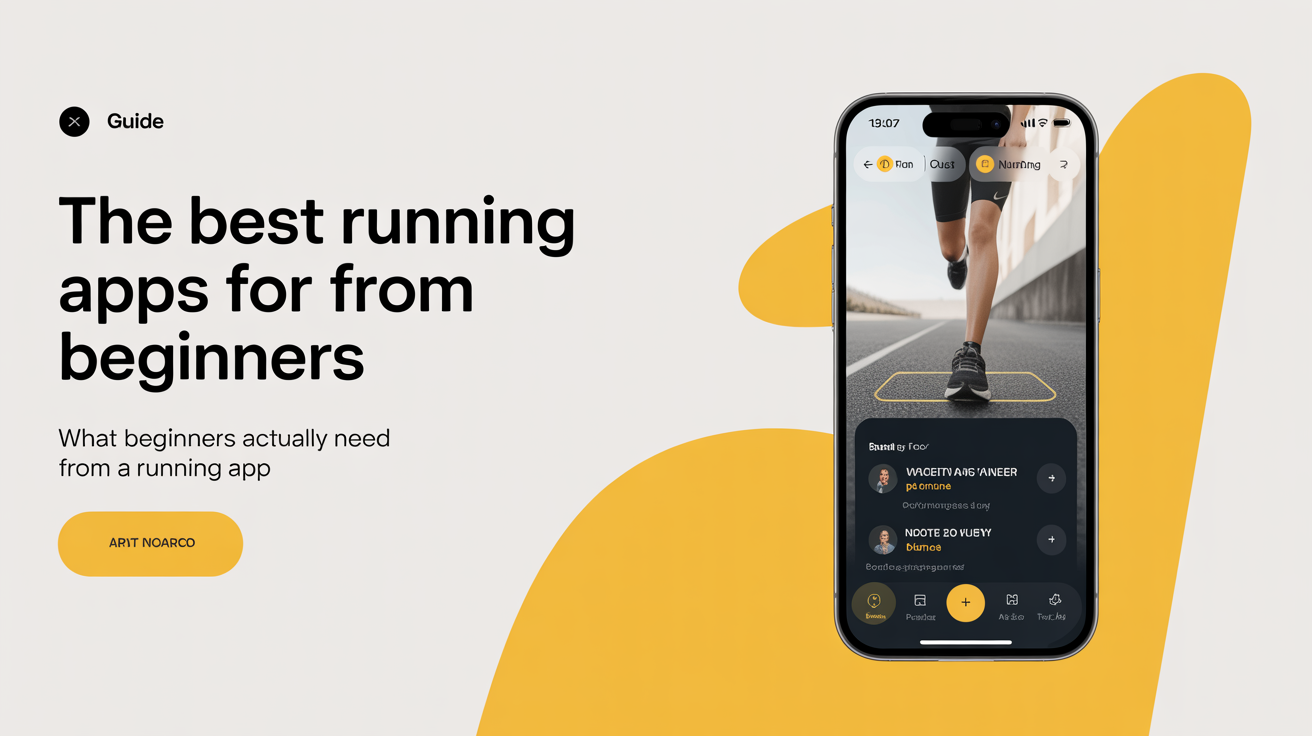
Most people who are new to running don't need a training tool designed for marathoners. What they need is a gentle on-ramp: something that tells them when to run, when to walk, and how to build up gradually so they don't burn out or get hurt in the first two weeks. That gradual build-up isn't just app marketing language either, ramping up training too quickly is one of the most consistently identified risk factors for overuse injury in NIH-reviewed research on sports injuries, so an app that enforces a slow ramp is solving a real problem, not just a comfort feature.
A few features matter a lot at the start:
Run-walk guidance. The run-walk method (alternating short running intervals with walking recovery) is the most effective way to build fitness without hammering your joints. An app that structures this for you takes the mental load off. You just listen and follow.
Audio cues. Knowing when to switch from running to walking without checking your phone every 30 seconds makes the whole thing feel more natural. Good apps give you a voice prompt so you can keep your eyes up.
Gradual progression. The general guideline in running is to increase your total weekly distance by no more than 10 percent from one week to the next. An app that builds in that kind of slow ramp helps you avoid the overuse injuries that sideline a lot of new runners.
Pace awareness. Most beginners start too fast and feel terrible by the end of the first block. A good app encourages you to run at a pace where you can hold a conversation, sometimes called easy pace or conversational pace. If you can't speak in full sentences, you're going too hard.
Structured Run-Walk Programs
Apps built around a couch-to-5K style structure are the most beginner-friendly category. They lay out a full plan, usually six to ten weeks long, that takes you from no running to a continuous 30-minute run through a series of short intervals.
The typical shape of a beginner plan starts with something like 60 seconds of running followed by 90 seconds of walking, repeated several times over 20 to 25 minutes. Over the following weeks, the running intervals get longer and the walking breaks get shorter. By the end, you're running continuously.
When comparing apps in this category, look at:
- How the audio cues are delivered (some are calm and helpful, others feel robotic or intrusive)
- Whether you can repeat a week if you're not ready to move on
- Whether the app tracks your pace and distance or just your intervals
- Whether a free tier gives you the full program or locks features behind a paywall
Many solid apps offer a completely free running app experience for the core beginner plan. Before paying for anything, check whether the free version covers the first eight weeks. For most people just getting started, that's all they need.
GPS Tracking and Distance Apps
Once you've built some base fitness and want to track your routes, pace, and progress over time, a GPS tracking app becomes useful. These apps record your runs and show you data like distance (in both miles and km), pace, elevation, and heart rate if you have a compatible device.
The main things to look for as a beginner:
Simple display. You don't need 15 metrics on screen at once. A basic view showing your current pace and distance is enough. You can look at the rest after your run.
Autopause. If you stop at a crosswalk, a good tracking app pauses automatically so your pace average doesn't get skewed.
History and trends. Being able to see your weekly mileage over time is one of the most motivating things about tracking apps. Watching your total distance grow from 3 miles (5 km) in week one to 8 miles (13 km) a month later is genuinely satisfying.
Several GPS apps also include a social layer where you can follow other runners and give kudos on completed runs. Some people find that motivating. Others find it distracting. It's worth knowing the feature exists, but don't let it be the deciding factor.
Here's a quick side-by-side of what each app category is actually for:
| App Type | Best For | Key Feature to Prioritize | Typical Free Tier |
|---|---|---|---|
| Structured run-walk (couch-to-5K style) | Weeks 1–8, going from zero to a continuous run | Clear audio cues, ability to repeat a week | Often covers the full beginner program |
| GPS tracking / distance | After you have a running base, tracking pace and routes | Autopause, simple on-screen display | Core tracking free, advanced coaching often paid |
| Training-plan / coaching apps | Beyond a first 5K, working toward a specific race or time | Personalized pace zones, race-specific plans | Usually limited without a subscription |
Free vs. Paid: What's Worth Paying For
The honest answer is that most beginners don't need a paid subscription. The free tier of many popular apps covers the basics well enough for the first few months.
Where paid plans start to make sense:
- You want access to training plans beyond the basic beginner program
- You want detailed coaching feedback on your pace zones or effort
- You want features like heart rate analysis or race prep plans
If you're on the fence, try the free version for your first six weeks. By then you'll have a clearer sense of what you're actually using and whether a paid tier would add anything.
One thing to watch: some apps structure their free trial so the first week or two feel feature-rich, then lock things behind a paywall right when you're starting to get into a rhythm. Read the fine print before downloading so you're not surprised two weeks in.
Using an App Without Overdoing It
Apps are useful, but they can also create anxiety if you let them. A few habits that help:
Run by effort, not just data. On easy days, ignore the pace readout and just focus on whether you can breathe comfortably. The 10 percent rule for weekly distance growth is a guideline, not a contract. If you're tired or sore, pull back. This mirrors general activity guidance for adults, which is 150 to 300 minutes of moderate-intensity aerobic activity a week, reached gradually rather than all at once; the same source is explicit that you should build up your activity level slowly rather than pushing too hard right away, and a well-designed app's progression settings are just that principle turned into a schedule.
Don't compare yourself to other users. If an app has a leaderboard or community feed, remember that most active users on those platforms have been running for years. Your week-one 2-mile run is a genuine achievement, regardless of how it looks next to someone's 40-mile week.
Take rest days seriously. No app can override what your body needs. If your legs are sore and the plan says to run, it's okay to take an extra day off. Skipping one session because you need recovery is almost always the smarter call.
If you're also thinking through what gear to pair with your runs, the shoes you wear matter more than any app. See how to choose running shoes for beginners for a straightforward breakdown, and do you need expensive running shoes if you're trying to keep costs down. Once you have a pair, how often should you replace running shoes gives you a sense of when to start shopping again.
A note on health: Before starting a new running program, especially if you've been inactive or have an existing condition, check with a doctor. The paces, distances, and interval structures in any app are general starting points. Stop and seek care if you feel chest pain, dizziness, or sharp joint pain.
Frequently Asked Questions
What is the best app to start running if I've never run before?
A structured run-walk app is the most useful place to start. These apps alternate running and walking intervals with audio cues and gradually build the running portions over six to ten weeks. Look for one with a free tier that covers the full beginner program so you're not locked out of features right when you need them most.
Are free running apps good enough for beginners?
Yes, in most cases. The free tier of most popular running apps covers the core features a beginner needs: interval guidance, GPS tracking, and a basic training plan. Paid plans tend to add race-specific coaching, detailed analytics, and social features. Those are nice to have, but not necessary in the first few months.
What pace should I run as a beginner?
Aim for a pace where you can speak in full sentences without gasping. This is sometimes called conversational pace or easy pace. It will feel surprisingly slow at first. That's fine. Building your aerobic base at easy effort is what makes you fitter over time, and most beginners run too fast and feel miserable as a result.
Should I run every day when I'm just starting out?
Three days a week with rest or light walking between runs is a more sustainable starting point than running daily. Rest days are when your body adapts to the training. Skipping them, especially early on, is one of the most common reasons beginners get injured or burn out.
How far should a beginner run in their first week?
A total of 3 to 6 miles (5 to 10 km) across two or three outings is a reasonable first week for most people. That number will vary depending on your fitness level and how you feel. The goal in week one is to finish each run feeling like you could have done a bit more. From there, you can add distance slowly using the 10 percent per week guideline.
Do I need a GPS watch, or is a phone app enough?
A phone app is enough for most beginners. GPS accuracy on a phone is perfectly adequate for tracking pace and distance on typical routes, and you avoid the cost of a dedicated watch. A watch becomes more worth it later if you want live pace feedback without carrying your phone, or you're training for a specific race time.
What if an app's plan feels too easy or too hard in the first week?
Trust how you feel over the schedule on the screen. If a run-walk interval leaves you gasping, repeat that same week instead of advancing, most structured apps let you do this on purpose. If a week feels too easy, resist the urge to skip ahead by more than one stage at a time. The progression is built around what keeps most beginners injury-free, not what feels most efficient in the moment, and a week that feels slow now usually pays off by week six.